










Open a computer and choose KeyPads. Keypads collect media controls, keyboard shortcuts, and other actions into buttons you can use from your iPhone or iPad.
Built-in Keypads
Use the included volume, playback, and navigation controls. The available layouts depend on the device: Mac, Windows, and iPad have different supported keys and system functions.
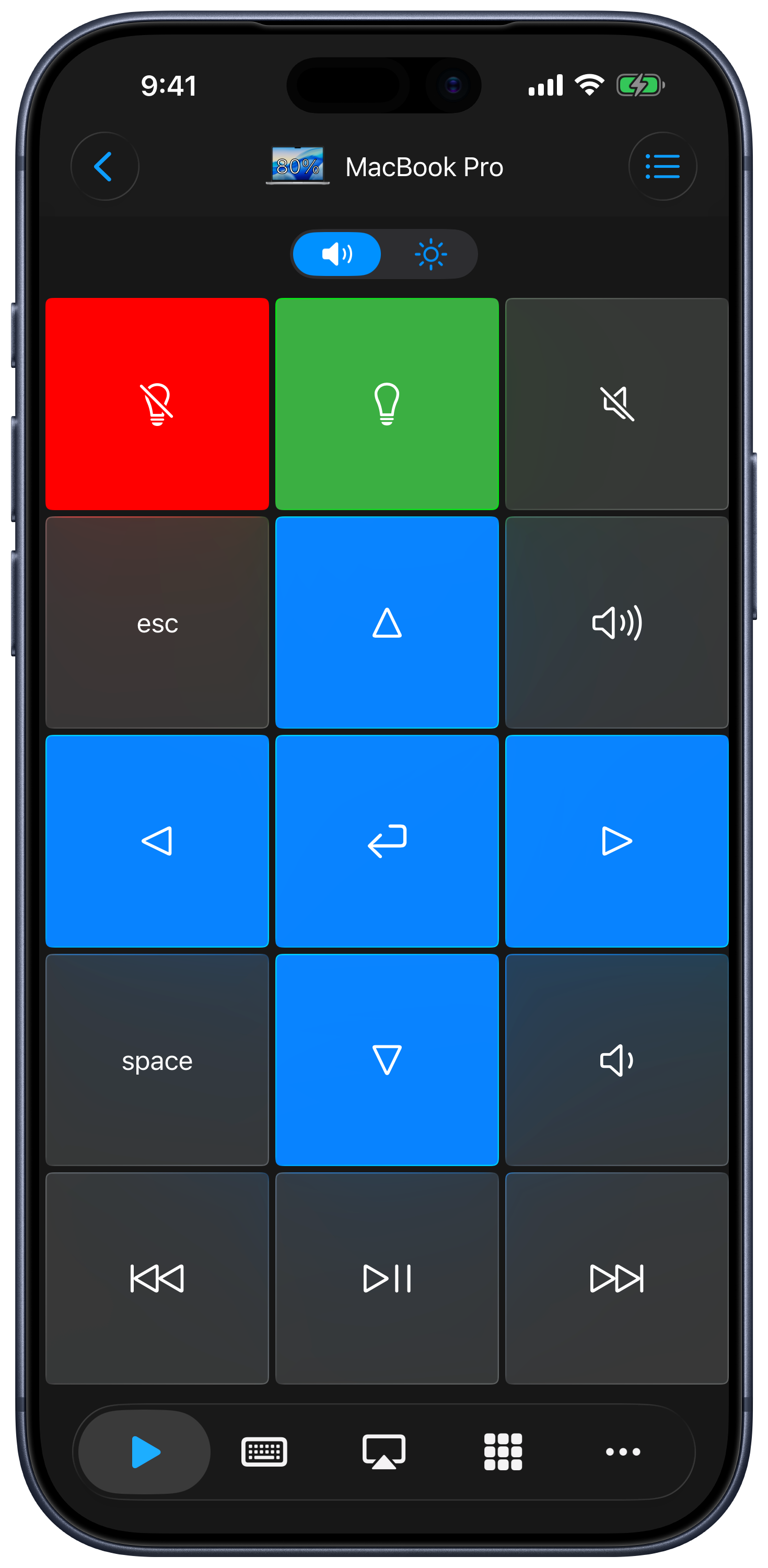
Find More Keypads
- Open the keypad menu and choose Store.
- Search, filter, or sort the catalog to find the app or website you want to control.
- Preview a keypad, add it, and return to your remote.
You can customize downloaded keypads. Some keypads or actions require premium access; the app shows the applicable unlock flow.
Create a Keypad
Choose Create from the keypad menu to build a new control panel. To change an existing keypad, choose Edit to open the keypad list, then Edit in that keypad’s menu. The editor supports buttons, keyboard sequences, layout changes, icons, and colors. See Creating and editing keypads.
Organize Your Keypads
Choose Edit in the keypad menu to open the list. Each keypad’s menu offers Edit, Duplicate, Export when available, and Delete. Choose Reorder in the list menu to change their order, then tap Done.
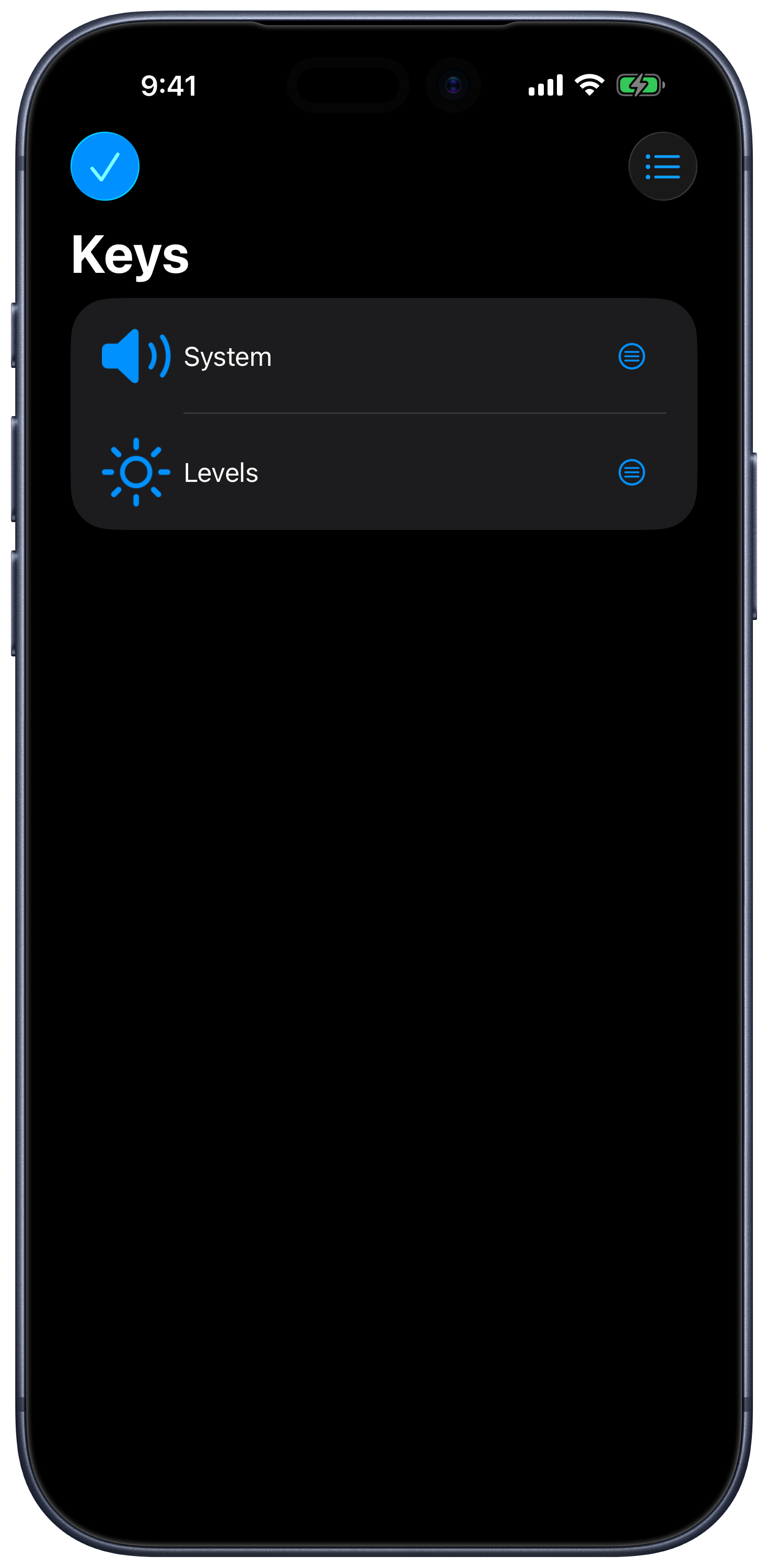
The list menu also offers a reset for default keypads, with a confirmation before changes are applied. Export custom work before resetting it.
Export and Import
- Select the keypad you want to share.
- Open its menu and choose Export.
- Save the exported file or share it using the system share sheet.
- On the receiving device, open the file with Remote Mouse & Keyboard to import it.
Choose a keypad designed for the target computer’s platform: Mac shortcuts and scripts are not interchangeable with Windows ones.